Every output, application and microphone on one screen, with volumes, mute, live VU
meters and per-application routing to any device.
It takes the shape your desk already has
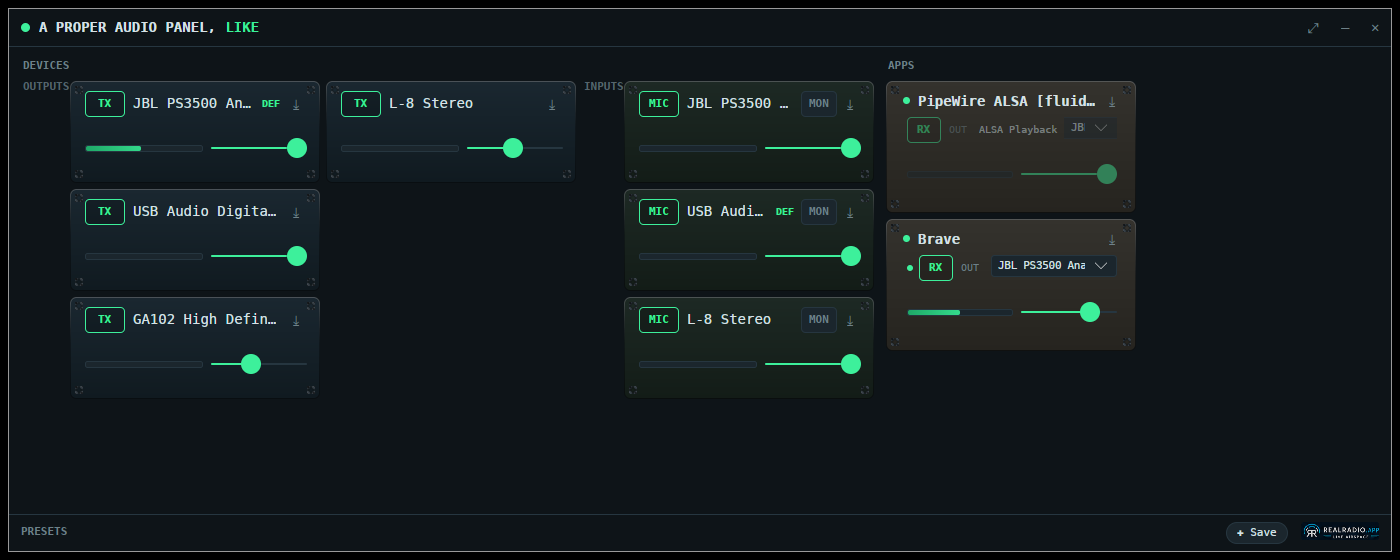
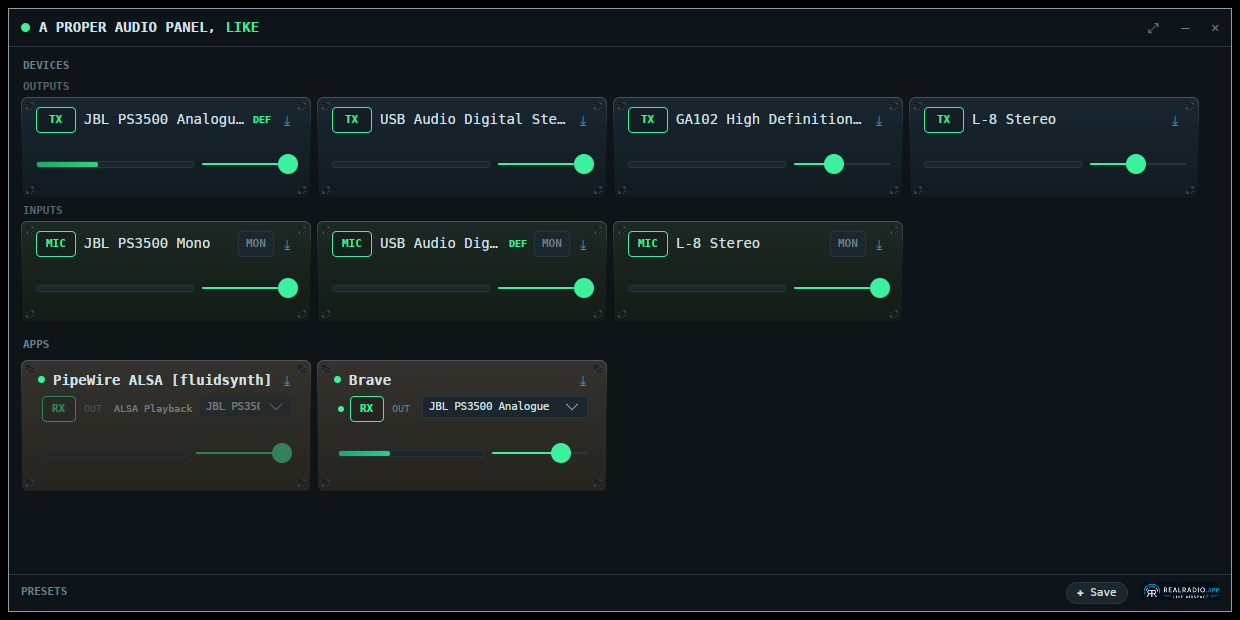
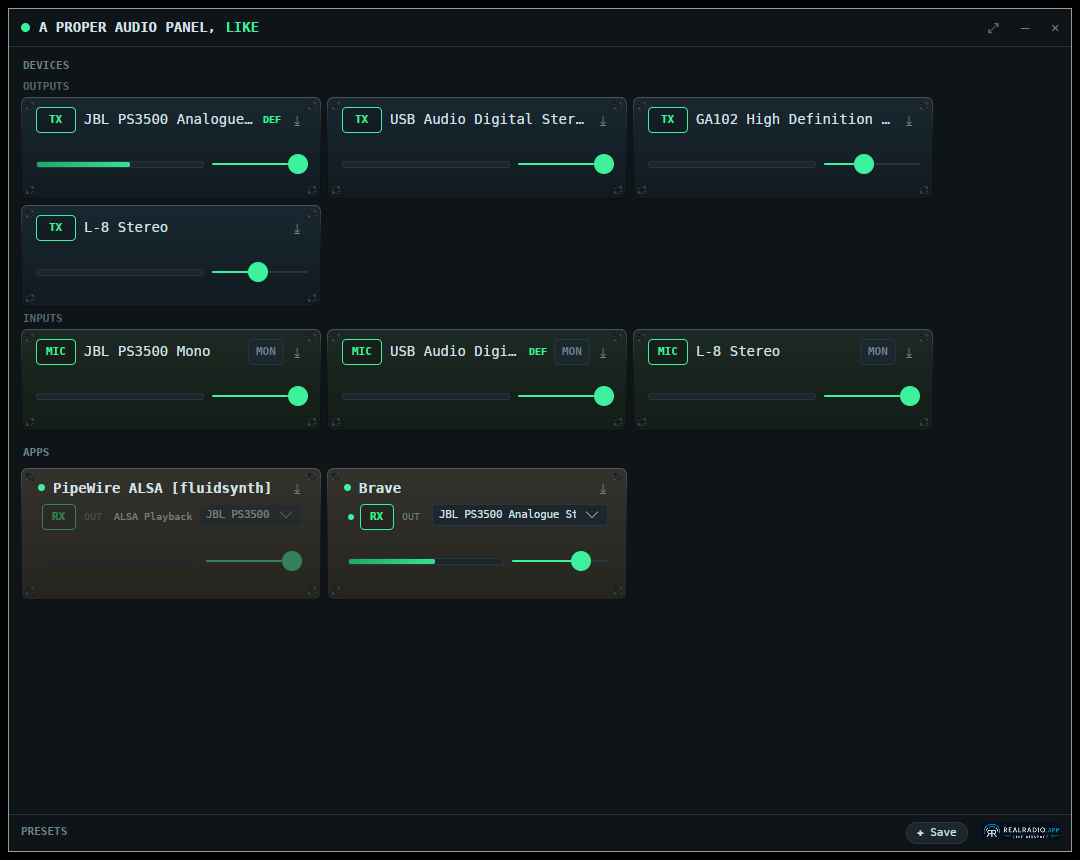
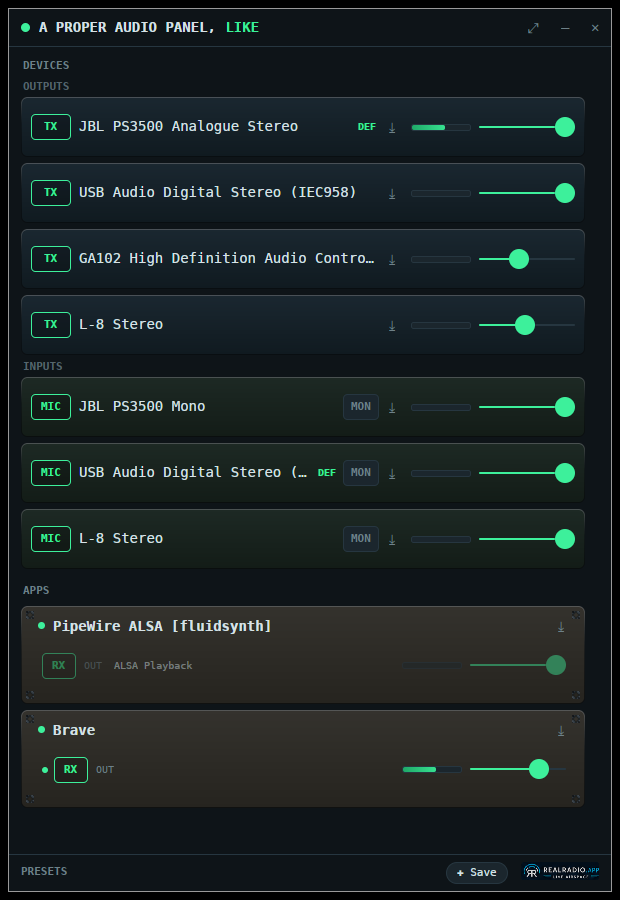
Four layouts that reflow to fit your window — side by side,
stacked, a dense block, or a single narrow column — so the panel suits the way you
already work. Everything stays on one screen: the cards resize to fit rather than
hiding behind a scrollbar.
It is a control and routing surface, not a signal-summing mixer.
Outputs, inputs and applications side by side, with live meters — for a wide windowBlock — the most devices in the least spaceRows — for a tall window beside your other workList — a narrow strip down the edge of the screen
Free on Flathub. The full version unlocks with a licence key, at the same
£4.99 as Windows.
One licence covers up to 3 of your own machines.
Works with PipeWire and PulseAudio — one backend covers both
No network permission at all. Licence keys are verified offline
against an embedded public key. You can check that yourself in the Flatpak
permissions. Nothing is collected and nothing phones home.
Per-application routing moves a single stream, so a browser with
several tabs can have one of them turned down or sent elsewhere on its own. The
Windows build routes per process and cannot do this.